













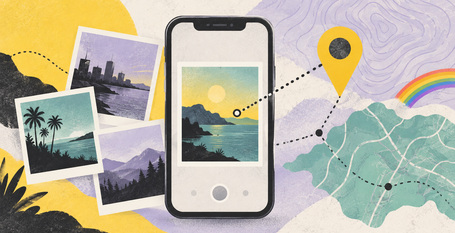
A photo of a date, a Pride gathering or an evening with friends can tell two stories. One is visible in the picture. The other may sit in the file’s metadata, including where it was taken.
For anyone choosing carefully who knows about a relationship or a queer venue visit, it is worth checking both. Asking whether you can share the image is a good start; deciding whether its location should travel with it is a separate step.
Apple’s photo-sharing guide explains that metadata can include the date, time, location, device and captions. Its Personal Safety guide, dated September 2026, says the Camera app can embed location coordinates when it has access to Location Services. A recipient may be able to read those coordinates if they are included in the shared file.
Check the picture first
On an iPhone, open the photo in Photos, then swipe up or tap Info to inspect its information. Look for a location before deciding how to share. These instructions follow Apple’s guidance; controls can vary with software version and sharing method.
For the sharing route described in Apple’s safety guide, select the image, tap Share, then Options, and switch off Location. The guide says the share sheet displays “Location Not Included”. Check that indication before sending. This is a location control, rather than a promise to remove every kind of metadata.
Future pictures need a separate choice
Apple describes stopping Camera location collection through Settings > Privacy & Security > Location Services > Camera > Never. That permission change concerns future collection. It does not erase location information already attached to pictures in your library or recall files sent earlier.
If you prefer to keep location information for organising your own photographs, check the sharing options each time instead of assuming the recipient needs the same details you do.
Finally, look at the visible image. A street sign, a recognisable entrance or a name badge may say something you did not intend to share. Removing coordinates cannot remove those clues, and consent to a photograph does not automatically settle where it should be posted.
The useful habit is a brief pause before sending: picture, people, file details, destination. That leaves room to enjoy the photograph while making a deliberate choice about its audience.
Which privacy control would you most like your photo app to make clearer before you press Share?


 列印版本
列印版本

 RSS Feed: 時尚娛樂


讀者回應
搶先發表第一個回應吧!
請先登入再使用此功能。